The Zero-Retouch Prep: How to Prepare Your Products for a 360 Photo Shoot
The 360 Magnification Effect: Why Prep is Your Most Profitable Step

Learning how to prepare your products for a 360 photo shoot doesn't have to be complicated. A single dust particle on a lens looks like a smudge. That same dust particle on a spinning, zoomable 360 product viewer looks like a manufacturing defect — and costs you a sale. For a deeper understanding of how professional services can enhance your shoot, consider exploring our 360 Product Photography Service.
Preparing your products for a 360 photo shoot is fundamentally different from prepping for a standard flat-lay. With traditional 2D photography, a strategically chosen angle can quietly hide a dented back panel, an uneven seam, or a slightly crooked label. With 360 photography, that safety net disappears entirely. Because the format captures every angle, physical imperfections cannot be hidden from the viewer — they're visible to customers who are actively inspecting your product. This increased level of scrutiny is why 360 photography requires more preparation than standard photography, as detailed in The 360 Advantage. For those looking to dive deeper into the entire process, 360 Product Photography Serviceoffers comprehensive insights.
The retouching math alone makes the case: fixing a flaw in one 2D image takes minutes; fixing that same flaw across 72 frames in a standard product spin multiplies both the time and the cost significantly.
The most effective solution is better preparation, not post-production. That starts with one foundational concept: the Hero Sample. Your Hero Sample is the single, physically perfect unit selected specifically for the shoot. Everything else in your prep process builds from it, which is exactly where we'll start.
Step 1: Selecting and Auditing the 'Hero' Sample
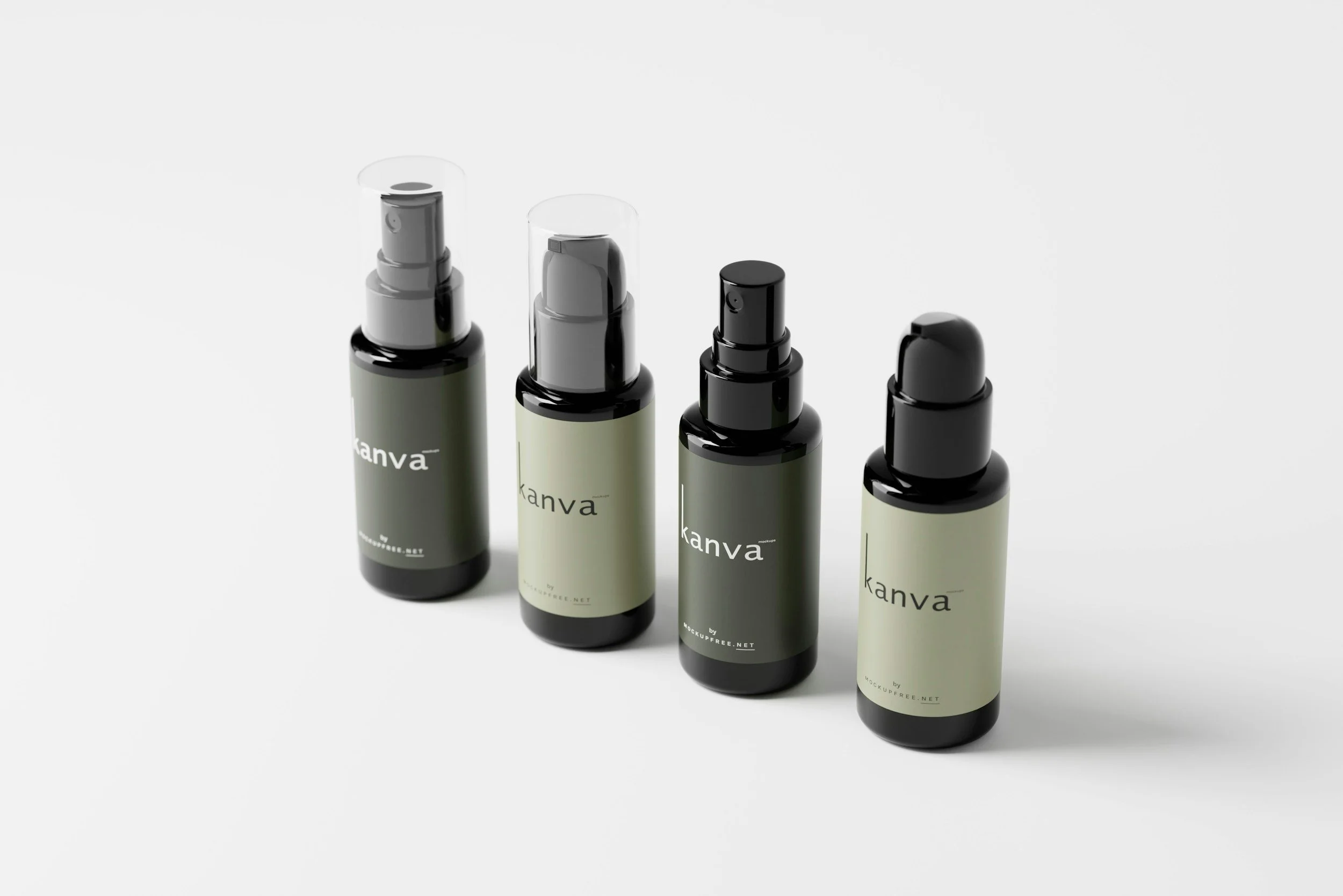
Most people grab the first product off the shelf and point a camera at it. In 360 product photography, that shortcut is expensive. Every physical flaw gets amplified across dozens of frames — so the sample you choose matters more than almost any other decision in this process.
Your hero sample is the single unit you'll shoot. It needs to be perfect before it's anywhere near your turntable.
Check for Symmetry First
Hold the product at eye level and rotate it carefully. Does it lean? Does the base sit flat? Items that are even slightly warped create a "lopsided" spin effect that looks broken to shoppers. Reject any unit that doesn't sit completely level.
Label Alignment Is Non-Negotiable
For bottled goods, a label that's even 1mm off-center becomes a distracting visual wobble during rotation. According to best practices for 360 product photography, labels should be perfectly centered and straight before a single frame is captured.
Never Shoot Prototypes
Confirm the finish, colors, and branding are all final. Shooting a pre-production sample risks "not as described" returns when customers notice the delivered product looks different.
The Audit Checklist:
Base sits flat with no lean or wobble
Labels are straight and centered
No scuffs, dents, or surface scratches
Branding and finish match the final retail version
All components are fully assembled and secure
Once your hero sample passes the audit, the real prep work begins — starting with a cleaning protocol that goes far deeper than a quick wipe-down.
Step 2: The 'Deep Clean' Protocol for High-Resolution Zoom
Once you've selected and audited your hero sample, it's time to clean it — and "clean" in 360 product photography means something far more rigorous than a quick wipe-down. Dust and fingerprints invisible to the naked eye become glaringly obvious under studio lights and high-resolution zoom. A single smudge can turn a 20-minute shoot into hours of post-production retouching. The goal here is simple: eliminate every flaw before the turntable starts spinning.
The Cleaning Kit
Build this kit before your shoot day, not during it:
Microfiber cloths — For wiping all hard surfaces without scratching
Compressed air canister — For blasting dust in the final seconds before each shot
Anti-static wipes — Essential for plastic and glass products
Handheld garment steamer — For apparel and soft goods
Lint roller — For fabric surfaces and packaging
The Four Rules of the Deep Clean
The Microfiber Rule is non-negotiable: once a product is cleaned, never touch it with bare hands again. Skin oils transfer instantly and attract fresh dust like a magnet — undoing everything in seconds. Use cotton gloves or handle items by their base only.
Compressed air is your last line of defense. Dust settles continuously in any studio environment, so fire a quick burst across the product immediately before the shutter clicks — not five minutes before.
For plastic and glass surfaces, standard cleaning isn't enough. These materials develop static charges that actively pull dust back onto the surface. Anti-static wipes neutralize that charge, giving you a much longer clean window.
For apparel and fabric, always use a handheld steamer rather than a flat iron. As noted in The 360 Advantage, irons can press a hard shine directly into certain fabrics, distorting the texture and creating reflective patches that are nearly impossible to retouch cleanly.
⚠ WARNING: Never apply cleaning solvents directly to a product. Spray onto your cloth first. Direct application can strip coatings, leave residue rings, or permanently damage finishes.
A meticulous clean reduces your editing workload later. And once your product is spotless, the next challenge shifts to keeping it perfectly still — which is where product photography stabilization becomes the critical variable in getting consistent, frame-perfect rotation.
Step 3: Stabilization and the Physics of the 'Perfect Center'
You've selected a flawless hero sample and cleaned it to a professional standard. Now comes the step that separates a polished 360 experience from one that makes viewers click away: centering and stabilizing the product on the turntable. If a product wobbles or drifts during rotation, the viewer perceives the brand as low-quality — and in some cases, the erratic movement can actually cause motion sickness. Getting this right isn't optional.
Finding the Center of Gravity
Every product has a center of gravity — the point at which its weight is evenly distributed. Among the most practical 360 photo shoot tools you can own are a laser level and a centering grid (a printed crosshair taped to your turntable surface). Align the product's base to the grid's center point before triggering a single frame. For tall or top-heavy items like perfume bottles, take extra care — even a 2mm offset creates a noticeable "orbit" effect across 36 frames.
Invisible Supports
Not every product sits flat on its own. Clear acrylic risers are essentially invisible against a white sweep and keep items elevated at consistent angles. For soft goods like handbags or backpacks, internal stuffing with bubble wrap or tissue paper maintains shape without adding visible bulk. The goal is a product that looks naturally full and upright, with no external support visible.
Advanced Rigging and the Museum Wax Hack
For items with unstable parts — an open watch clasp, a dangling tag — monofilament fishing line holds them in position and is easier to remove in post-production than a visible prop or hand. For lightweight products like sunglasses, apply a tiny dab of clear museum wax to the base. Turntable centrifugal force is subtle but real, and that wax prevents gradual shifting between frames without leaving any residue.
A perfectly centered product is essential, but stability is only half the challenge. Once your product is locked in place, you'll need to address how its surface interacts with light, which leads directly into managing reflections and hotspots.
Step 4: Managing Reflective Surfaces and 'Hotspots'
Reflective products — think jewelry, electronics, patent leather, or chrome hardware — are the hardest category to shoot in 360. Unlike a single still image, you're capturing 36 to 72 frames in a full rotation, which means any glare or blown-out hotspot (a bright, overexposed white patch caused by direct light bouncing off a shiny surface) has to be managed consistently across every single frame. That's what makes minimizing post-production for 360 photos so critical at this stage — fix it physically now, or you're correcting it dozens of times later.
The three core techniques:
Dulling sprays: For extremely shiny spots, a small amount of removable dulling spray can diffuse harsh reflections without permanently altering the product. Apply lightly and test one frame before committing to a full spin.
Polarizing filters: A circular polarizing filter on the camera lens cuts glare uniformly across all frames — but it must be dialed in before the turntable starts rotating, since you can't adjust it mid-spin.
The 'Dark Room' approach: Position black foam boards just outside the camera frame to control what the product's surface "sees." A shiny product essentially acts as a mirror — black boards keep stray studio elements from appearing in the reflection.
Managing reflections proactively is always faster than fixing them frame-by-frame in post. Once your surface control is set, you're ready to run one final check before the shoot begins.
Step 5: The Final Pre-Shoot 'Dry Run' Checklist
You've cleaned, centered, and managed reflections. Don't hit 'Start' yet. A quick manual run-through now saves you from the sinking feeling of discovering a problem on frame 54 of 72. Think of this as your pre-flight checklist — fast, methodical, and non-negotiable.
Work through these four checks in order:
The Manual Spin. Rotate the turntable by hand and watch the product closely. Does it stay centered, or does it drift and "orbit" the middle like a slow-motion wobble? If it shifts, re-seat it before shooting a single frame.
The 'Hanger' Hunt. Rotate slowly and look at every angle for stray threads or loose fibers. They're invisible head-on but catch light dramatically at side angles.
The Bottom Audit. Tip the product slightly and confirm all price tags and "Made in..." stickers are removed from the base — a detail that's surprisingly easy to miss.
The Shadow Check. Watch whether the product's own shadow creeps outside the frame during rotation. A clipped shadow in even one frame breaks the final 360 experience.
For an in-depth exploration of e-commerce platforms like Amazon and Shopify, and how to effectively deploy 360 photography, check out The 360 Advantage: Why Interactive Product Photography Is the New Standard for High-Conversion E-Commerce.
A flawless 360 spin is achieved in the preparation before the shoot. These checks cost almost nothing in time and eliminate the most common, most avoidable reshoots in product photography. For a deeper breakdown of 360 shoot best practices, Pixc's guide is worth bookmarking.
Key Takeaways
Sample selection and cleaning are the foundation — shortcuts here compound throughout every frame.
Stabilization determines whether your product spins cleanly or drifts unpredictably.
Reflective surfaces require diffused light and patience, not post-production fixes.
The dry run checklist is your last line of defense before committing to a full sequence.
For those in the Dallas area looking for local expertise, our guide on 360 Product Photography Dallas offers tailored insights. Additionally, understanding the Pricing & ROI of 360 photography can help optimize your budget and enhance your conversion rates. Preparation may not be glamorous, but it's crucial for converting browsers into buyers. Run the checklist, trust the process, and let the shoot take care of itself.